
SnapText lifetime deal review
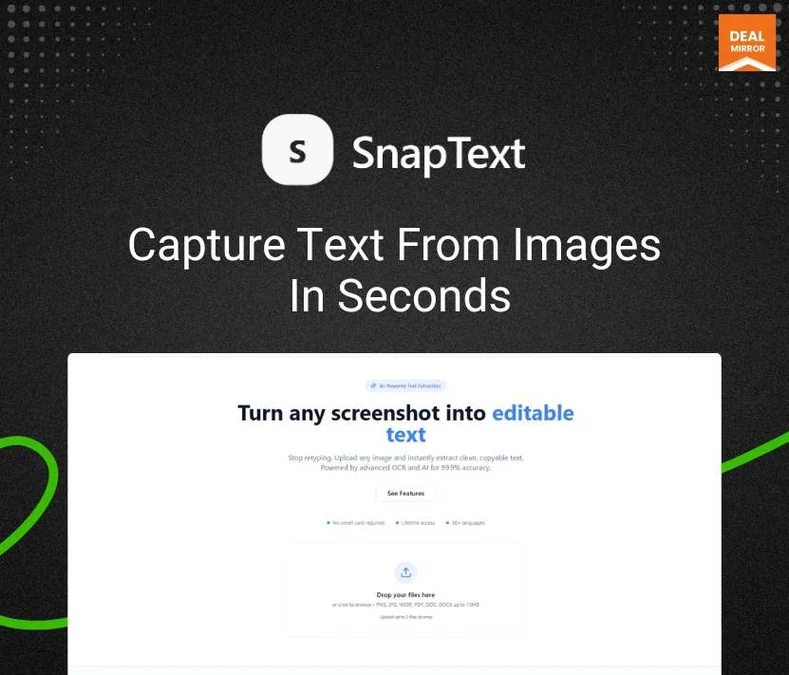
Turn screenshots into editable text with AI-powered OCR and text extraction.
Disclosure: when you buy through our source links, we may earn a commission. This does not affect our editorial assessment.
$69
★ 5/5
operators who work with screenshots and documents
Medium
What is SnapText?
SnapText is an AI-powered optical character recognition (OCR) tool that extracts text from images, PDFs, and screenshots. It supports multiple languages, handwriting recognition, and table extraction. Useful for digitizing documents, extracting data from scanned forms, and pulling text from images for content repurposing.
Key features
- →Multi-language OCR — Extract text from images in 100+ languages. Handles printed and handwritten text.
- →Table extraction — Extract tabular data from scanned documents and images into structured formats.
- →Batch processing — Process multiple images and PDFs at once. Export extracted text to various formats.
Pros & cons
What works
- Quick text extraction from images saves typing time for receipts, business cards, whiteboard photos.
- Works offline — no internet connection needed for OCR processing.
- One-time payment vs subscription OCR tools that charge monthly.
- Useful for professionals who regularly capture text from non-digital sources.
What to watch
- Free alternatives (Google Keep OCR, Apple Live Text, Microsoft Lens) cover basic OCR needs for most users.
- Accuracy depends on image quality. Blurry, angled, or low-contrast images produce unreliable results.
- Doesn't organize or process extracted text — just captures it. Users need to manually organize output.
- AI-powered OCR in modern operating systems (Apple Live Text, Google Lens) keeps getting better, reducing the premium for dedicated tools.
Shelfware risk: Medium
Productivity tools depend on daily adoption. If your team won't switch, the deal becomes shelfware.
Pricing & tiers
AI OCR, multi-language support, handwriting recognition, table extraction, batch processing.
Quick verdict
SnapText is a straightforward OCR tool at a fair lifetime price. The competition is free — every modern smartphone and OS has built-in OCR. The value is in convenience: a dedicated tool with a faster workflow than opening Notes or Lens. For heavy extractors who process 10+ images per day, the keyboard shortcut speed justifies the purchase. For everyone else, free built-in tools are sufficient.
Who should consider SnapText?
SnapText is for professionals who regularly extract text from images — receipts, screenshots, scanned documents, whiteboards. The Dealify OCR tool saves typing time. Casual users who occasionally need text from images can use free phone OCR tools.
What to check before buying
- Test SnapText with a real task during the refund window. If you don't use it naturally within 7 days, the niche may be too narrow.
- Compare against free tools first. Many niche SaaS tools compete with built-in OS features or free web services.
- The Dealify refund window may differ from AppSumo's 60-day standard. Check the exact policy before purchasing.
Alternatives and category fit
- →Free alternatives — Check if free tools (Google tools, built-in OS features, open-source options) cover this workflow. Many niche tools compete with free options.
- →Subscription alternatives — Monthly tools in this space may offer more features, updates, and support at the cost of ongoing payments.
More Productivity lifetime deals
Compare SnapText with these related lifetime deals.
Frequently asked questions
Is SnapText lifetime deal worth it?
Yes if it replaces a current paid subscription or saves recurring manual effort. At the Dealify price point, evaluate whether you'd actually use the tool weekly. Shelfware risk is higher for niche tools.
What is SnapText best for?
SnapText is designed for OCR text extraction from images and screenshots. It serves a specific workflow rather than being a general-purpose tool.
Who should skip SnapText?
Skip it if you already have an established workflow that covers this need, or if you don't perform this task regularly enough to justify any purchase.