
CaptureAPI lifetime deal review
Powerful screenshot API for developers, SaaS, and automation—capture full-page screenshots programmatically.
Disclosure: when you buy through our source links, we may earn a commission. This does not affect our editorial assessment.
$25
★ 5/5
developers and technical teams
Low
What is CaptureAPI?
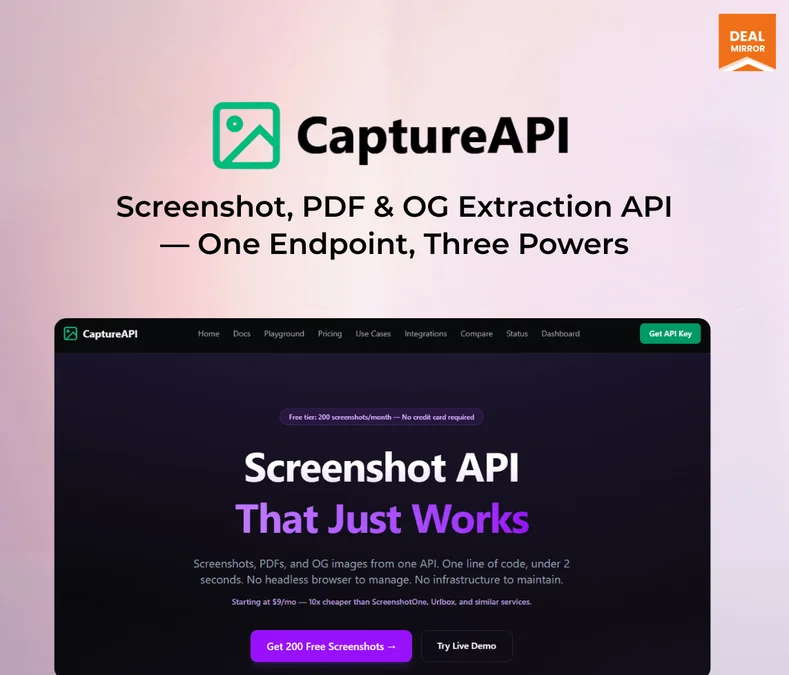
CaptureAPI is a URL-to-screenshot API service. Send a URL, get a screenshot back. It handles full-page captures, mobile viewports, delay timers for JS-rendered content, and returns images in PNG, JPEG, or PDF format. Built for developers who need automated website screenshots in their applications.
Key features
- →URL-to-screenshot API — Send a URL, receive a screenshot. Simple REST API with JSON responses.
- →Full-page capture — Capture entire pages, not just above the fold. Handles infinite scroll and lazy-loaded content.
- →Mobile viewport options — Capture screenshots at mobile, tablet, and desktop viewport sizes from one API.
Pros & cons
What works
- Simple API for automated screenshots. Useful for dashboards, monitoring tools, and content previews.
- One-time payment vs ongoing API costs from screenshot-as-a-service providers.
- Full-page and element-level screenshot capture for flexible integration.
- Developer-friendly with documentation and code samples for common use cases.
What to watch
- Niche developer tool. Non-technical users have no use for an API without coding skills.
- Screenshot quality and rendering accuracy may differ between CaptureAPI and browser-native rendering.
- Free browser extensions (Full Page Screen Capture) cover occasional screenshot needs without API integration.
- API reliability and uptime SLAs are unproven compared to established screenshot API providers.
Shelfware risk: Low
Dev tools tend to get daily use in active workflows. Lower shelfware risk in this category.
Pricing & tiers
URL-to-screenshot API, full-page capture, mobile viewports, multiple output formats.
Quick verdict
CaptureAPI is a practical API tool for developers building applications that need automated screenshot generation. At the DealMirror price, it's cheaper than ongoing screenshot API subscriptions. The key question is whether you need automated screenshots at all — most applications don't. If your project involves generating website previews, social share images, or monitoring dashboards, CaptureAPI is a cost-effective solution.
Who should consider CaptureAPI?
CaptureAPI is for developers who need automated website screenshot generation in their apps or workflows. On DealMirror, it provides a simple API for capturing full-page or element screenshots. Teams that need occasional screenshots can use free browser extensions.
What to check before buying
- Test CaptureAPI with a real task during the refund window. If you don't use it naturally within 7 days, the niche may be too narrow.
- Compare against free tools first. Many niche SaaS tools compete with built-in OS features or free web services.
- The DealMirror refund window may differ from AppSumo's 60-day standard. Check the exact policy before purchasing.
Alternatives and category fit
- →Free alternatives — Check if free tools (Google tools, built-in OS features, open-source options) cover this workflow. Many niche tools compete with free options.
- →Subscription alternatives — Monthly tools in this space may offer more features, updates, and support at the cost of ongoing payments.
More Development tools lifetime deals
Compare CaptureAPI with these related lifetime deals.
Frequently asked questions
Is CaptureAPI lifetime deal worth it?
Yes if it replaces a current paid subscription or saves recurring manual effort. At the DealMirror price point, evaluate whether you'd actually use the tool weekly. Shelfware risk is higher for niche tools.
What is CaptureAPI best for?
CaptureAPI is designed for website screenshot API for developers. It serves a specific workflow rather than being a general-purpose tool.
Who should skip CaptureAPI?
Skip it if you already have an established workflow that covers this need, or if you don't perform this task regularly enough to justify any purchase.